Hello Students, Welcome to another vibe coding related article, as you know from my previous tutorials, over the past year “vibe coding” has quietly become one of the biggest shifts in how I personally build software. If you haven’t heard the term yet, vibe coding is the practice of building real, working applications by describing what you want in plain language to an AI coding assistant, iterating conversationally instead of hand-writing every line yourself.
It sounds almost too casual for something that produces production software — and honestly, that’s exactly where most people go wrong with it. Vibe coding isn’t “just chat with AI and hope for the best.” Done well, it’s a genuinely disciplined process. Done carelessly, it produces fragile, insecure, unmaintainable apps that fall apart the moment real users touch them.
I’ve built and shipped real client products this way — including two live ERP platforms I’ll walk you through later in this article. So instead of a generic listicle, I want to share the actual Do’s and Don’ts I’ve learned by doing this repeatedly, with real consequences attached to getting it wrong.
What Vibe Coding Actually Is (and Isn’t)
Vibe coding means using tools like Claude, GitHub Copilot, or Cursor to generate, modify, and debug code through natural conversation — describing a feature, reviewing what’s generated, refining it, and moving to the next piece. It is not the same as “no-code,” and it’s definitely not “no responsibility.” You’re still the architect. The AI is an extremely fast, occasionally overconfident junior developer sitting next to you — brilliant, but needing direction and review.
With that framing, here’s what separates a vibe-coded project that actually ships from one that quietly collapses.
The Do’s of Vibe Coding
Do #1 — Start With a Clear Spec, Even a Rough One
Before typing a single prompt, write down what the feature or app actually needs to do — who uses it, what data it touches, what “done” looks like. A five-line spec dramatically improves what the AI produces compared to an open-ended “build me a booking system” prompt. I never start a real feature without this, even if it’s just bullet points in a notes file.
Do #2 — Build in Small, Testable Chunks
Ask for one feature at a time — the login flow, then the booking form, then the payment step — and test each piece before moving forward. Vibe coding an entire application in one giant prompt almost always produces something that looks complete but breaks in ways that are painful to trace back to their source.
Do #3 — Read the Code the AI Writes
Even if you’re not typing it yourself, you need to read it. I make it a rule to understand every database query and every authentication check an AI assistant generates for me, especially anything touching user data or payments. This single habit has caught more bugs and security gaps than any other practice on this list.
Do #4 — Keep a Version Control Habit From Day One
Commit early, commit often. Vibe coding sessions move fast, and it’s easy to accept a change that breaks something you didn’t notice yet. Git gives you a safety net to roll back to a known-good state instead of trying to manually undo an AI’s last five edits.
Do #5 — Treat the AI as a Pair Programmer, Not an Oracle
The best results come from a back-and-forth — “this works, but simplify the error handling,” or “why did you choose this approach over X?” Pushing back and asking the AI to explain its reasoning consistently produces cleaner, more maintainable code than accepting the first output silently.
The Don’ts of Vibe Coding
Don’t #1 — Don’t Skip Testing Because “It Looked Right”
This is the single most common mistake I see. AI-generated code often looks clean and confident, which creates false trust. I’ve seen forms that appeared to validate input correctly but silently failed on edge cases — always manually test the actual behavior, not just the visual output.
Don’t #2 — Don’t Hand Over Database or Payment Logic Without Review
Letting an AI assistant write and directly execute database migrations or payment integration code without a human reviewing every line is asking for trouble. These are the two areas where a small, confidently-written mistake causes the most real-world damage.
Don’t #3 — Don’t Ignore Security Just Because It “Compiles and Runs”
Working code isn’t the same as secure code. I’ve reviewed AI-generated authentication flows that technically functioned but stored passwords insecurely or skipped proper session handling. Always explicitly ask the AI to follow security best practices, and verify it actually did — don’t assume.
Don’t #4 — Don’t Let Scope Balloon Without a Plan
It’s dangerously easy to keep saying “also add this” in a vibe coding session until you’re maintaining a sprawling, undocumented codebase nobody — including you — fully understands anymore. Pause regularly to review what’s actually been built against your original spec.
Don’t #5 — Don’t Deploy Without Understanding What You’re Shipping
If a client, employer, or end user asks you how a feature works and you can’t explain it because “the AI wrote it,” that’s a red flag. Before anything goes live, make sure a human on your team genuinely understands the system’s behavior, not just that it appeared to work in testing.
Case Study: Building Two Live ERP Products With Vibe Coding
Theory is easy to nod along to — so let me show you where this actually played out. Over the past year, my team and I built two full ERP platforms almost entirely through vibe coding workflows, both of which are live products today.
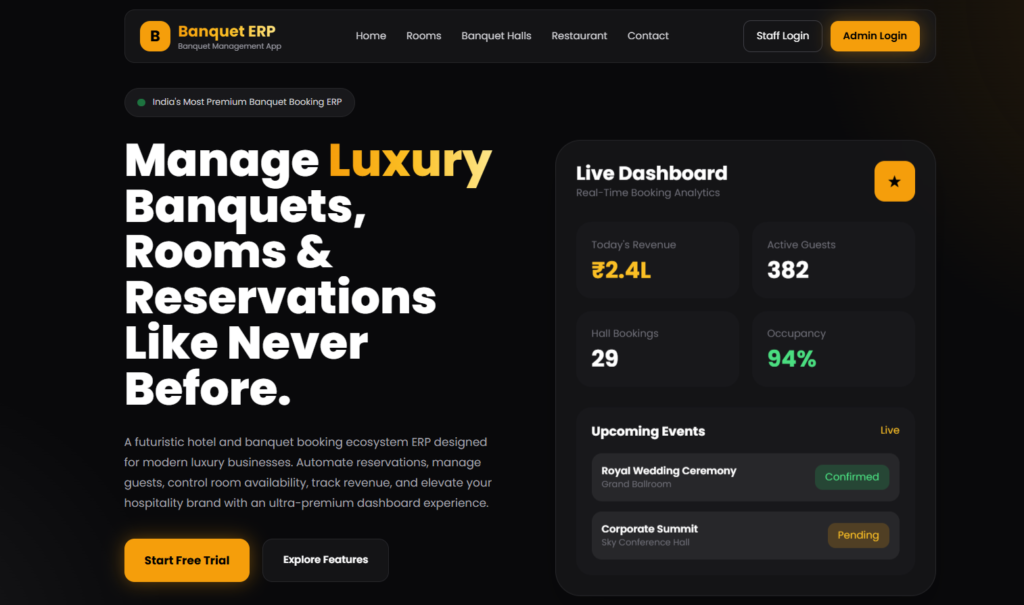
The first, a Banquet and Hotel Management ERP, handles room bookings, banquet hall reservations, restaurant table management, guest records, and real-time revenue reporting for hospitality businesses — a genuinely complex, multi-module system with several interconnected booking flows.
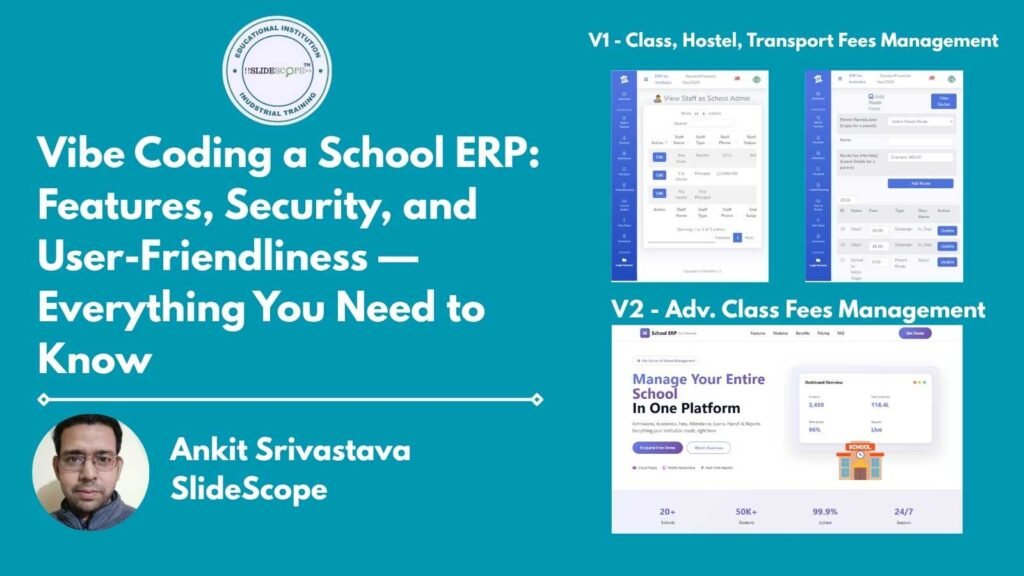
The second, a School ERP SaaS platform, manages admissions, student records, fee collection, attendance, examinations, payroll, and reporting for educational institutions — built as a subscription product serving multiple schools on a shared platform.
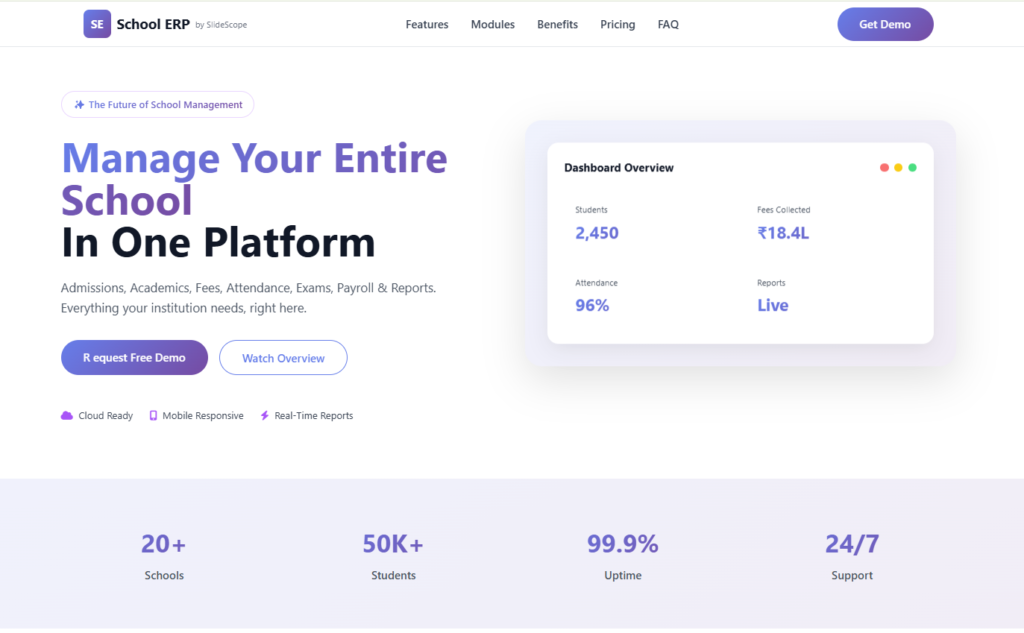
Both projects followed exactly the Do’s and Don’ts above. We spec’d each module before touching a prompt, built and tested booking logic, fee calculations, and attendance tracking in isolated pieces, and manually reviewed every piece of code touching payments, student records, or admin access — because a booking error or a security gap in a live product with paying users isn’t a hypothetical risk, it’s a support ticket and a trust problem waiting to happen.
What vibe coding genuinely changed for us wasn’t the quality bar — that stayed exactly where it should be — it was the speed at which we could go from “we need a fee management module” to a tested, working feature. Work that used to take days of manual coding often came together in hours, provided we stayed disciplined about review and testing at every step.
Quick Recap
- Do: spec clearly, build in small pieces, read the code, commit often, treat AI as a collaborator
- Don’t: skip testing, blindly trust database/payment logic, ignore security, let scope balloon, ship what you don’t understand
The pattern across both lists is the same: vibe coding removes the friction of writing code, not the responsibility of owning it.
Final Thoughts
Vibe coding is one of the most genuinely useful shifts I’ve seen in software development in the past decade — but only for people who treat it as a serious engineering practice with AI as a fast collaborator, not a magic button. The two ERP platforms above didn’t succeed because AI wrote the code quickly; they succeeded because we still applied the same discipline — specs, testing, security review — that good software has always required.
If you want to learn how to vibe code real, production-ready applications the right way — not just fast, but reliably — that’s exactly what we teach hands-on in our development training programs at SlideScope.com.

Ankit Srivastava is an IT trainer, technology educator, and digital skills mentor with expertise in programming, data analytics, AI, and software development. He has successfully trained thousands of learners, with more than 10,000 student enrollments on Udemy. His practical teaching approach empowers students and professionals to build in-demand technical skills. Colorstech channel where Ankit posts video tutorials has more than 8000 Subscribers.