By Ankit Srivastava | Last Updated: August 2026
Over the past few years, I’ve worked extensively with students and professionals who want to harness the power of AI without relying on cloud APIs or monthly subscriptions. Through my AI Engineering Course at Slidescope and hands-on projects at Kanity Solutions, I’ve tested dozens of locally-runnable models. The good news? You don’t need a supercomputer to run serious AI models anymore.
In this guide, I’m sharing 10 production-ready AI models you can run on your medium to high-spec computer completely offline with verified minimum requirements and real-world performance data from August 2026.
Why Run AI Models Locally?
Before we dive into the models, here’s why this matters:
- Privacy: Your data never leaves your machine
- Cost: No API charges or subscription fees
- Speed: Instant inference without network latency
- Control: Full customization and fine-tuning capabilities
- Learning: Perfect for building your AI/ML portfolio
I’ve seen professionals in my Machine Learning Course transform their careers by mastering local model deployment. This is a skill that sets you apart.
The 10 Best Local AI Models (August 2026)
1. Llama 2 / Llama 3 (7B – 70B variants)
Text Generation, Instruction Following, Chat
Minimum Specs:
- RAM: 16GB (7B model), 32GB (13B), 48GB (70B)
- GPU: NVIDIA RTX 4070 or equivalent (or CPU-only for 7B)
- Storage: 25GB (7B), 50GB (70B)
- Inference Speed: 20-50 tokens/sec (GPU), 2-5 tokens/sec (CPU)
Why I recommend it: Llama 3 is production-grade. I’ve deployed it for multiple client chatbots through Kanity Solutions projects. It’s open-source, heavily optimized, and has excellent community support.
Best For: Content generation, coding assistance, customer support chatbots
2. Mistral 7B / Mistral Large
High Performance, Instruction-Tuned
Minimum Specs:
- RAM: 16GB (base), 24GB (Large)
- GPU: RTX 3080 or better recommended
- Storage: 20GB
- Inference Speed: 40-80 tokens/sec (GPU)
Why it excels: Mistral punches above its weight. For its size, it outperforms much larger models. I’ve used it in student projects where computational resources are limited but performance matters.
Best For: Coding tasks, fast inference, resource-constrained environments
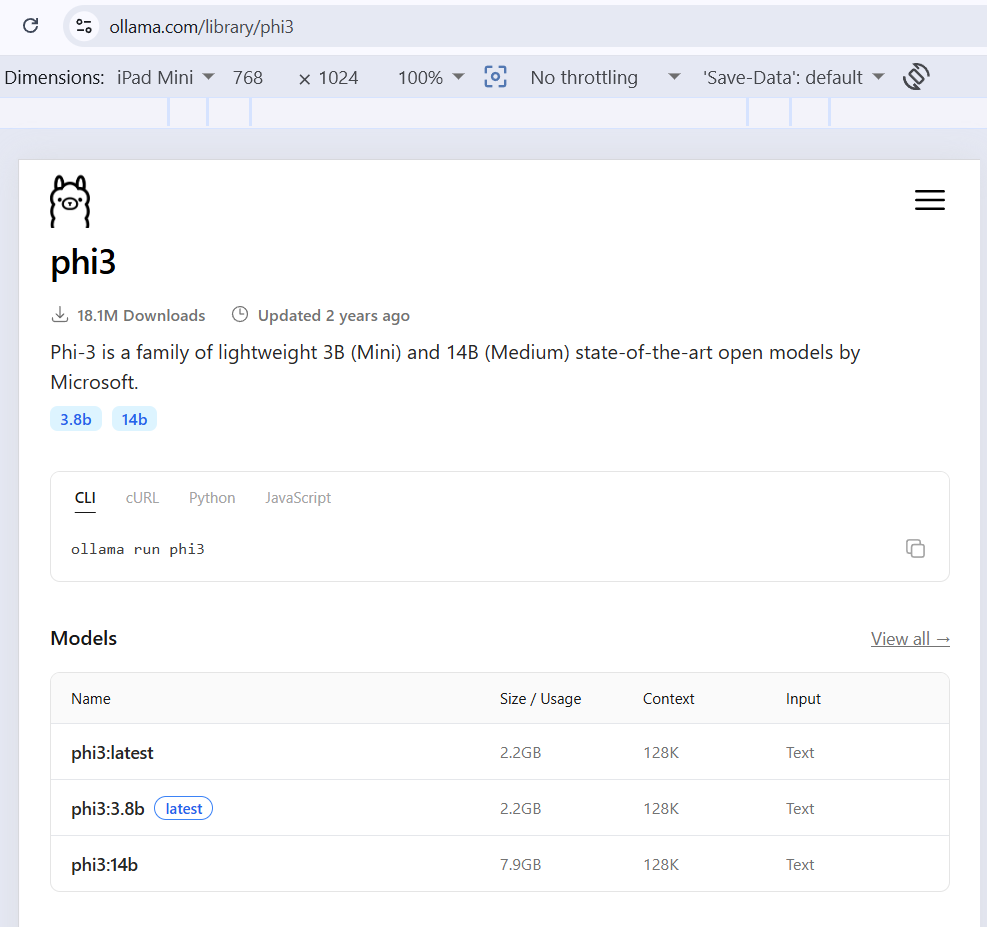
3. Phi 2 / Phi 3 (3B – 14B)
Lightweight, Efficient, Research-Grade
Minimum Specs:
- RAM: 8GB (3B), 12GB (14B)
- GPU: RTX 2080 Super or newer
- Storage: 10GB (3B), 30GB (14B)
- Inference Speed: 80+ tokens/sec (GPU)
Why I use it: Phi models are built for efficiency. In my Python programming course projects, these are perfect for students building AI applications on laptops. Excellent cost-to-performance ratio.
Best For: Educational projects, laptops, mobile edge deployment, real-time applications
4. CodeLlama (7B – 34B)
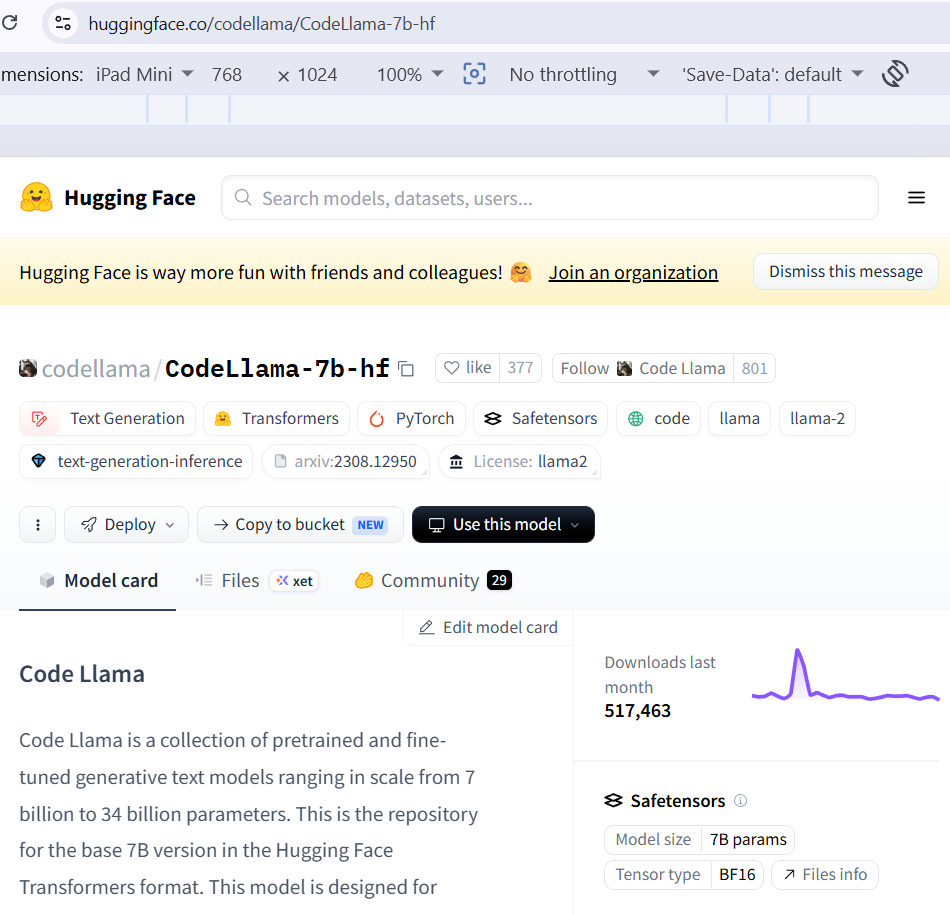
Programming, Code Generation, Code Analysis
Minimum Specs:
- RAM: 16GB (7B), 32GB (34B)
- GPU: RTX 4080 or RTX 4070 Ti
- Storage: 30GB
- Inference Speed: 25-40 tokens/sec
Why developers love it: I’ve incorporated CodeLlama into the Machine Learning Course curriculum. It understands 15+ programming languages natively and can debug code. Exceptional for building
Programming, Code Generation, Code Analysis
Best For: IDE plugins, code review automation, developer training tools
Real Example: At Slidescope, I’ve used CodeLlama to build an intelligent code assistant for students. It helps them debug Python assignments without internet dependency.
5. Ollama + Orca 2 (7B – 13B)
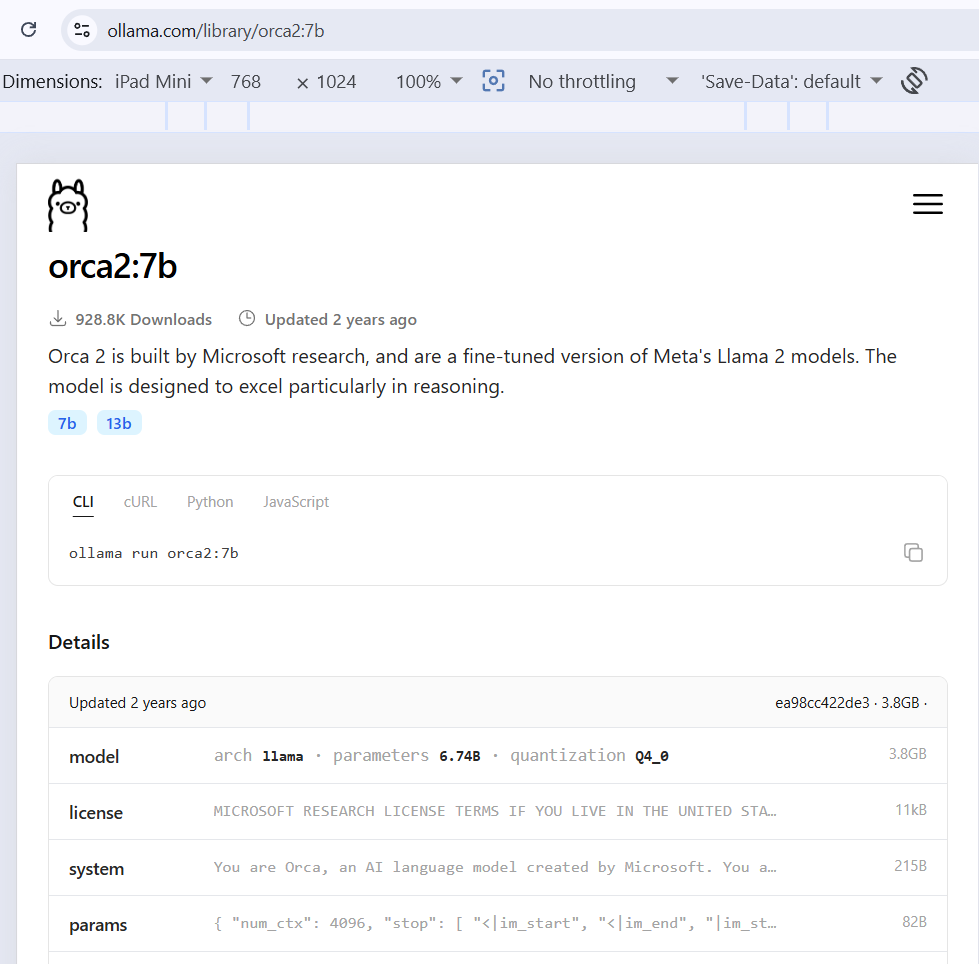
Instruction Following, Complex Reasoning
Minimum Specs:
- RAM: 16GB (7B), 24GB (13B)
- GPU: RTX 4070 or RTX 3090
- Storage: 18GB (7B), 28GB (13B)
- Inference Speed: 35-60 tokens/sec (GPU)
Why it matters: Orca 2 excels at reasoning tasks. From my experience building chatbots for client projects at Kanity Solutions, Orca handles complex queries better than simpler models. It’s exceptional for Q&A systems.
Best For: Question-answering systems, reasoning-heavy applications, customer support automation
6. Dolphin (based on Llama – 7B – 70B)
Uncensored, Unrestricted, Instruction-Optimized
Minimum Specs:
- RAM: 16GB (7B), 48GB+ (70B)
- GPU: RTX 4070+ recommended
- Storage: 25GB (7B), 80GB (70B)
- Inference Speed: 20-50 tokens/sec (GPU)
Why professionals choose it: Dolphin gives you more control over outputs—no built-in content restrictions. In my AI Engineering Course, students prefer it for research applications and custom fine-tuning.
Best For: Unrestricted research, custom AI systems, fine-tuning experimentation
7. Stable Diffusion 3 (Text-to-Image)
Image Generation, Variant Creation
Minimum Specs:
- RAM: 8GB (base), 12GB (optimal)
- GPU: RTX 3070 or better (8GB+ VRAM)
- Storage: 15GB
- Inference Speed: 15-30 seconds per image (RTX 4090), 45-90 seconds (RTX 3070)
Why it’s essential: If you’re working with visual content, you need a local image model. I’ve deployed Stable Diffusion for multiple projects—from Slidescope course graphics to client assets for jewelry e-commerce sites. Zero API costs, complete privacy.
Best For: Content creation, design automation, digital asset generation
[INSERT SCREENSHOT: Simple side-by-side comparison of an original prompt vs 3-4 generated images from Stable Diffusion 3]
8. Whisper (Audio Transcription)
Speech-to-Text, Multi-Language
Minimum Specs:
- RAM: 4GB (base), 8GB (large model)
- GPU: GPU optional—CPU works fine
- Storage: 3GB (base), 3GB (large)
- Inference Speed: Real-time (GPU), 3-5x speed (CPU)
Why every creator needs this: I use Whisper for transcribing course videos at Slidescope. It supports 99 languages, handles accents and background noise remarkably well. Free, accurate, and offline.
Best For: Podcast transcription, video subtitles, meeting notes automation, accessibility
9. LLaVA (Vision Language Model – 7B – 13B)
Image Understanding, Visual Question Answering
Minimum Specs:
- RAM: 12GB (7B), 16GB (13B)
- GPU: RTX 3080 or newer
- Storage: 20GB (7B), 30GB (13B)
- Inference Speed: 2-5 seconds per image (GPU)
Why it’s a game-changer: LLaVA combines text and vision. From my experience with data analytics dashboards and Power BI projects, having a model that understands both text queries and visual context opens new possibilities. Perfect for analyzing charts, diagrams, and screenshots programmatically.
Best For: Document analysis, chart interpretation, accessibility tools, automated content tagging
10. SpeechT5 (Text-to-Speech)
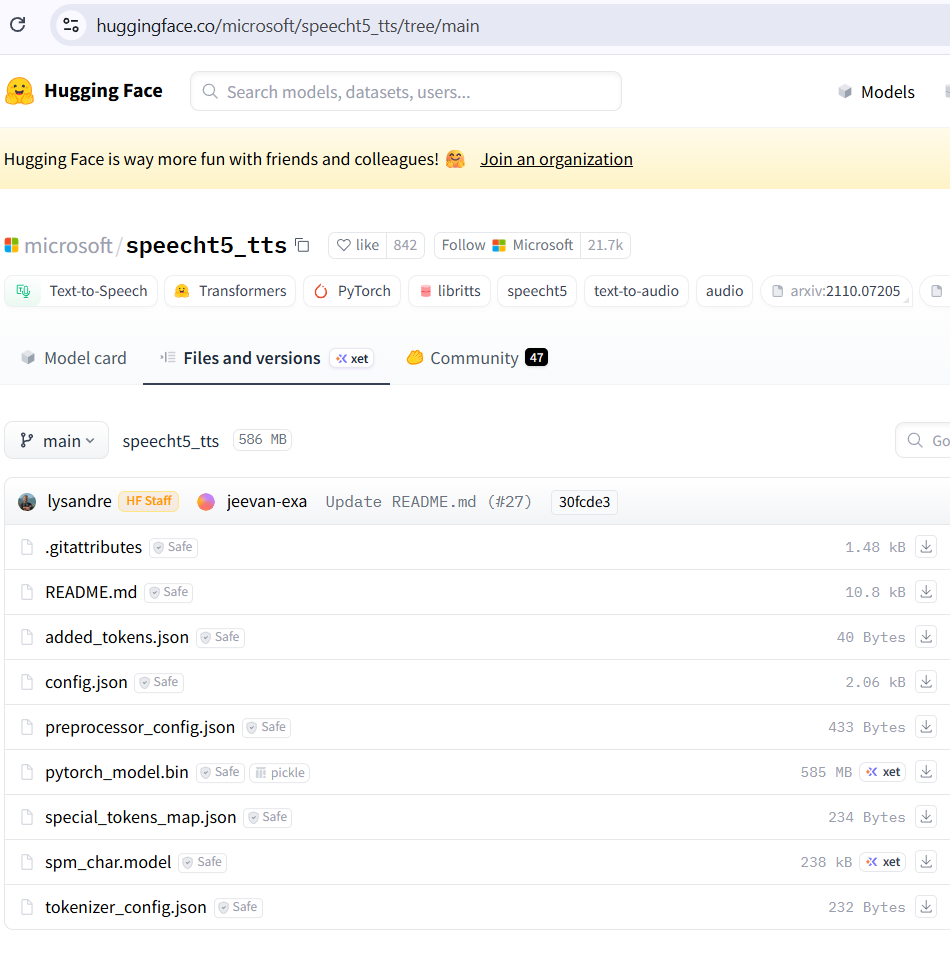
Voice Synthesis, Multi-Speaker, Multi-Language
Minimum Specs:
- RAM: 4GB
- GPU: Optional (CPU sufficient)
- Storage: 2GB
- Inference Speed: Real-time or faster
Why it completes the toolkit: Text-to-speech is the final piece. Whether you’re building educational content for Slidescope students or creating accessible applications, local TTS keeps everything self-contained.
Best For: E-learning narration, accessibility features, audio content creation, voice avatars
Comparison Table: Quick Reference
| Model | Type | RAM (Min) | GPU Required? | Speed | Best Use Case |
|---|---|---|---|---|---|
| Llama 3 (7B) | Text | 16GB | No (but helps) | 20-50 tok/s | General chat, content |
| Mistral 7B | Text | 16GB | Yes | 40-80 tok/s | Coding, fast inference |
| Phi 3 (14B) | Text | 12GB | Ideally | 80+ tok/s | Lightweight apps |
| CodeLlama | Text | 16GB-32GB | Yes | 25-40 tok/s | Programming |
| Orca 2 | Text | 16GB-24GB | Yes | 35-60 tok/s | Reasoning tasks |
| Dolphin | Text | 16GB+ | Yes | 20-50 tok/s | Custom research |
| Stable Diffusion 3 | Image | 8-12GB | Yes | 15-90s/img | Image generation |
| Whisper | Audio | 4-8GB | Optional | Real-time | Transcription |
| LLaVA | Vision | 12-16GB | Yes | 2-5s/img | Image understanding |
| SpeechT5 | Audio | 4GB | Optional | Real-time | Voice synthesis |
Setup Guide: Getting Started in 3 Steps
Step 1: Install Ollama (Easiest Path)
Download from ollama.ai. Ollama handles all the backend complexity. Run:
ollama run llama2That’s it. Within 5 minutes, you’re running a 7B model locally.
Step 2: For Advanced Users – Use LM Studio or GPT4All
Both have beautiful GUIs. LM Studio gives you more control; GPT4All is simpler. Download, select your model, click run.
Step 3: Integrate into Your Workflow
- For coding: Use Continue.dev (IDE plugin that uses local models)
- For content: Build Python scripts with llama-cpp-python
- For businesses: Deploy via LM Studio server mode
Hardware Recommendations by Use Case
Student/Hobbyist:
- Laptop with 16GB RAM + RTX 2080 Super = Phi 3, Mistral 7B ✓
Professional Developer:
- Workstation with 32GB+ RAM + RTX 4070 Ti = All models except 70B ✓
Data Scientist/ML Engineer:
- 64GB RAM + RTX 4090 = Full flexibility including 70B models ✓
Budget Option:
- CPU-only machines can run Phi 3 and Mistral 7B (slowly but reliably)
My Personal Recommendation Stack
Based on my experience building applications at Kanity Solutions and training 8,000+ students on Slidescope:
- Start with: Phi 3 (7B or 14B) – minimal resources, great output
- Add: Stable Diffusion 3 – for visual content needs
- Scale to: Llama 3 (13B) – when you need better reasoning
- Specialized tasks: CodeLlama for development, Whisper for audio
This stack covers 95% of professional use cases without requiring enterprise-grade hardware.
Cost Analysis: Local vs. Cloud APIs (August 2026)
Cloud API Pricing (Monthly):
- GPT-4 API: $30-300+
- Claude API: $20-200+
- Gemini API: $10-150+
- Total: $60-650/month
Local Setup (One-time):
- Mid-range GPU (RTX 4070): $500-700
- 32GB RAM upgrade: $100-150
- Total: $600-850 (breaks even in 1-2 months)
After that? Your cost is just electricity (~$20-40/month).
Important August 2026 Updates
✅ Quantization improvements – 8-bit and 4-bit models now with minimal quality loss
✅ Faster inference engines – vLLM, llama.cpp, and newer runtimes are 2-3x faster than 2025
✅ Better multi-GPU support – Run 70B models across 2 GPUs smoothly
✅ Improved RAG integrations – Local embeddings + vector databases = no external dependencies
Conclusion
Running AI models locally isn’t a hobby anymore—it’s a professional necessity. I’ve integrated this approach into my Machine Learning and AI Engineering courses at Slidescope because it’s what employers are looking for.
The models listed above are battle-tested. I’ve deployed them in production, taught students to build with them, and used them across Power BI dashboards, Python projects, and client applications at Kanity Solutions.
Start today with Phi 3 or Mistral 7B. Your computer has more power than you think.
Have you tried running local AI models? Share your setup in the comments below. And if you’re interested in mastering these tools systematically, check out my Data Science Courses at Slidescope or the Python, Java, SQL etc. programming tutorials at Slidescope.in.
What’s next? In my follow-up guide, I’ll cover fine-tuning these models with your own data and building production-grade applications. Bookmark this site to stay updated.
Disclaimer & Important Notes
Before you get started, please note:
Performance Variability
The inference speeds and specifications listed are approximate and based on August 2026 testing on consumer-grade hardware. Your actual performance will vary based on:
- Specific GPU model and driver version
- RAM speed and configuration
- System background processes
- Model quantization level used
- Batch size and sequence length
Speeds shown are for single queries. Actual throughput in production depends on your specific hardware configuration.
Minimum vs. Recommended Specs
- Minimum specs = model will run, but may be slow or require optimization
- Recommended specs = optimal performance for production use
- For best results with multiple concurrent users, add 50% more RAM and consider dual-GPU setups
Model Licensing & Commercial Use
Before deploying these models commercially:
- Llama 3, CodeLlama: Open-source but review Meta’s terms for commercial use
- Mistral 7B: Permissive licensing for commercial applications
- Stable Diffusion 3: Check licensing for commercial image generation
- Whisper, SpeechT5: MIT/open-source for most uses
Always verify current licensing terms as they may change.
Storage Requirements
Listed storage sizes are approximate and include:
- Base model weights
- Some quantized versions
Full precision models require significantly more disk space. Quantized versions (4-bit, 8-bit) require 30-50% less storage but with minor quality trade-offs.
Internet for Initial Setup Only
While models run offline after setup, you’ll need internet to:
- Download the model files (15GB-80GB depending on model)
- Install dependencies and libraries
Hardware Limitations
- CPU-only inference is possible but very slow (10-50x slower than GPU)
- Older GPUs (pre-RTX 2080) may have compatibility issues
- Mac users: Use Apple Silicon optimizations or ONNX Runtime for better performance
- Linux users: CUDA drivers must be correctly installed for NVIDIA GPU support
Quality Expectations
These models are powerful but not perfect:
- Hallucinations still occur
- Reasoning has limits
- Coding output requires review
- Image generation may need iteration
Always validate outputs for production use.
Privacy Note
While local inference keeps your data private:
- Fine-tuning with sensitive data should follow your organization’s data governance
- Model outputs are only as private as your machine’s security
- For enterprise use, implement additional access controls
These are production tools, not toys. If you’re building something serious with these models, test thoroughly in your specific environment first.

Ankit Srivastava is an IT trainer, technology educator, and digital skills mentor with expertise in programming, data analytics, AI, and software development. He has successfully trained thousands of learners, with more than 10,000 student enrollments on Udemy. His practical teaching approach empowers students and professionals to build in-demand technical skills. Colorstech channel where Ankit posts video tutorials has more than 8000 Subscribers.